Track the payload.
Catch the exception.

PayloadTrack gives logistics teams visibility beyond vehicle location by monitoring the relationship between a moving gateway and the tagged cargo assigned to it.

Live Payload Movement

MED-98241
LIVE
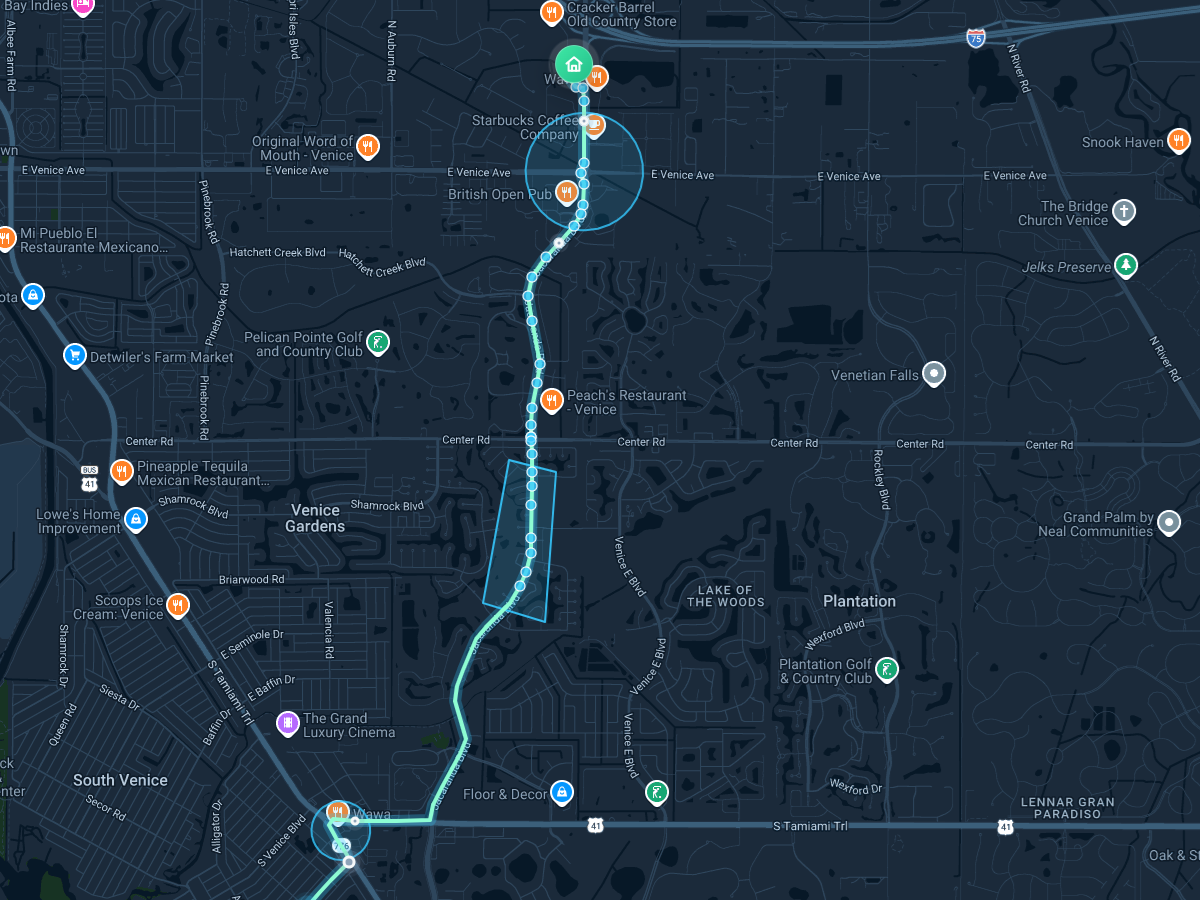
PayloadTrack live map showing origin zone, destination fence, route corridor, and payload movement
Payload Type
Critical Medical Transport
Asset Check
Gateway
GW-FL-104
Payload Tag
PT-C3-7C2A
Last Seen
18 sec ago
Route Status
In Corridor

Built for payloads that matter.

PayloadTrack is designed for shipments where “the truck arrived” is not enough. Monitor tagged cargo, gateway movement, geofence activity, route behavior, and exception events from one operational view

Trucking & Freight Blood Transport Organ Logistics Pharmaceuticals Cold Chain Field Equipment High-Value Cargo Jobsite Assets

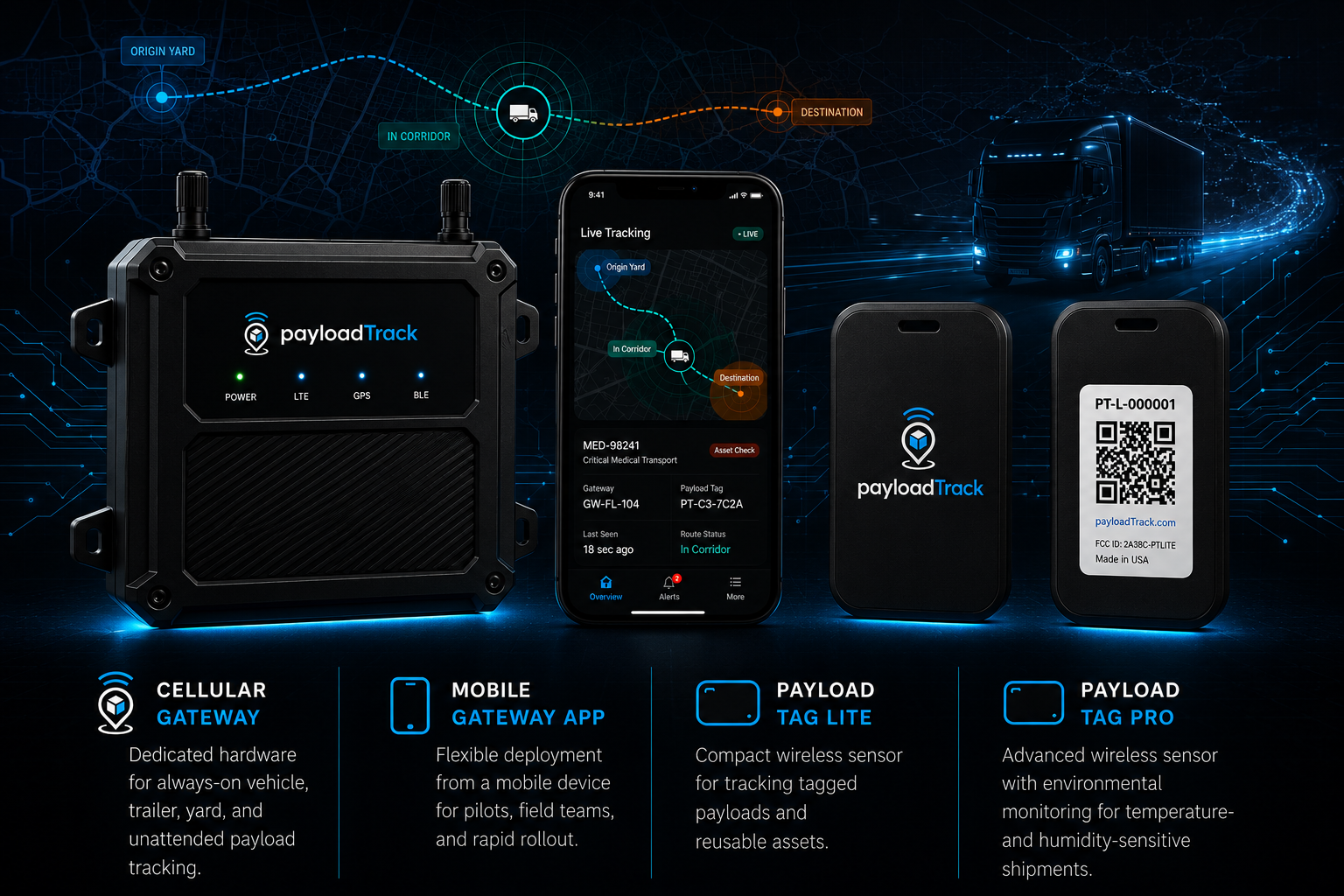
Gateway Tracking

Monitor dedicated gateways and supported hardware as they move through routes, yards, jobsites, and delivery zones.

Payload Tag Detection

Confirm whether tagged cargo is still being detected near the gateway assigned to the shipment.

Geofences & Corridors

Monitor yards, jobsites, delivery zones, and route corridors with alerts for arrivals, departures, zone exits, and route exceptions.

Exception Alerts

Capture real-time events that matter during a shipment, including missing tags, offline gateways, geofence activity, route deviations, and unusual movement.

Location is only part of the story.

PayloadTrack connects gateway movement, payload tag detection, geofence activity, route corridors, alert history, and AI-assisted review into one operational view. Teams can see where the gateway reported, whether the tagged cargo was still nearby, what changed along the route, and quickly search the activity behind it.

1

Assign the gateway and payload tags

Link each shipment or movement to the gateway and payload tags that should remain together.

2

Stream movement and tag detections

Gateways report location, movement, battery status, and nearby payload tag detections while the shipment is active.

3

Monitor geofences and corridors

Apply yards, jobsite zones, delivery areas, and route corridors to identify arrivals, exits, detours, and off-route movement.

4

Turn exceptions into alerts and answers

Surface missing tags, gateway inactivity, geofence events, route deviations, and unusual movement, then use AI-assisted search and summaries to review what happened faster.

Live Operations

Movement + Detection + Alerts

Online
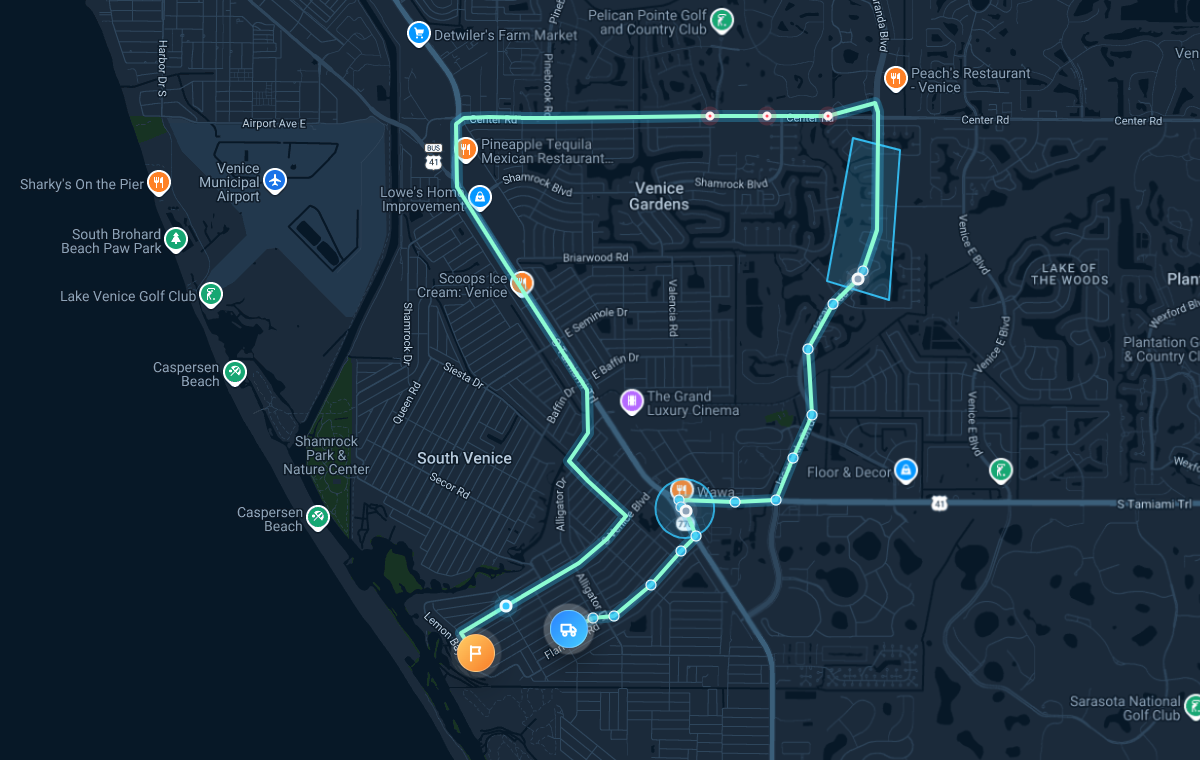
PayloadTrack live operations map showing gateway movement, payload tag detection, geofence activity, and alert events
Gateway Ping12 sec ago
GW-FL-104 reported location, battery, and movement status.
Payload Tag Seen18 sec ago
PT-C3-7C2A was detected near the assigned gateway.
Route CorridorActive
Current movement remains inside the expected corridor.

Turn movement into exception alerts.

PayloadTrack connects gateway movement, payload tag detection, geofence activity, route corridors, alert history, replay, and AI-assisted search into one operational view. Teams can see where the gateway reported, whether the tagged cargo was still nearby, what changed along the route, and which records may need attention.

Payload Separation

Alert when one or more assigned payload tags are no longer detected while the gateway continues moving.

Gateway Offline

Identify when a gateway stops reporting location, movement, or device health during an active route.

Geofence Events

Trigger alerts for arrivals, departures, yard activity, jobsite zones, delivery areas, and restricted locations.

Replay & AI Search

Review movement history and use AI-assisted search to find problem shipments, alerts, missing payload tags, geofence events, and unusual route activity.

See how PayloadTrack monitors the payload, not just the vehicle.

Review gateway movement, payload tag detection, geofence activity, route behavior, exception alerts, and AI-assisted search in one operational view.